Walk through designs without a meeting
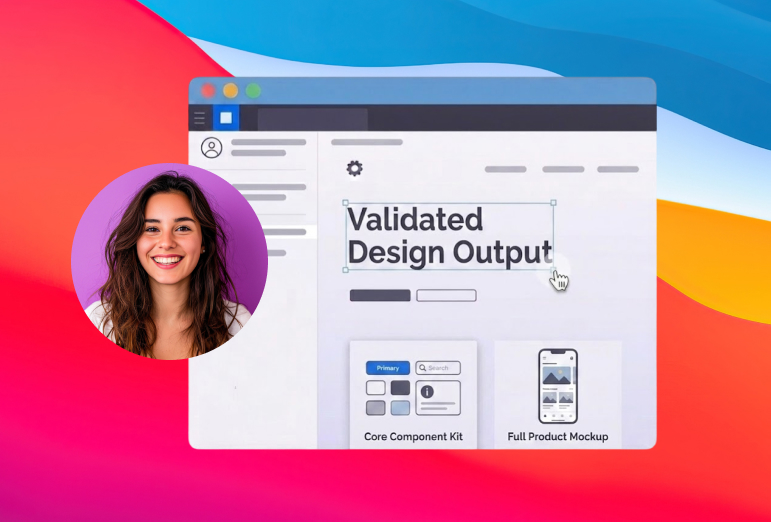
Design review does not need a calendar invite. With Drishti you record the walkthrough once and your team watches it whenever they have ten quiet minutes. The recording keeps up with you: as you click into a component or move across a Figma board, the camera zooms and pans to whatever you are pointing at.
“A 4px spacing change is faster to show than to describe.”
Reviewers see exactly what you mean
Pointing at a small change in a dense Figma file is hard to do with words. Auto-zoom detects where you click and pushes in on that spot, so the person watching is looking at the same detail you are. Smart pan follows your cursor with smooth easing instead of jumping around, which keeps long flows easy to follow. Drop the link in Slack or Notion and teammates watch on their own time, captions and all, with nothing uploaded to a cloud you have to manage.
What you get
Auto-zoom on every click
Smart cursor pan with cinematic easing
Automatic karaoke captions
Local rendering, no cloud upload
Frequently asked questions
Can I use my own background image?
Yes. Along with the built-in wallpapers and gradients, you can drop in a custom image as the background behind your recording, so a walkthrough can sit on your team’s branding or a clean backdrop that matches the work you are presenting.
Can I record a Figma walkthrough without zooming manually?
Yes. Auto-zoom detects where you click and pushes in on that area automatically, so you do not have to zoom inside Figma or set anything up in advance. Smart pan then follows your cursor smoothly as you move across the board.
Do I have to edit the recording afterward?
No. The zoom, pan, and captions are applied as you record, so most walkthroughs are ready to share straight away. If you want to tidy up, you can trim and cut clips inside Drishti without opening a separate editor.
Can my team watch on mute?
Yes. Karaoke-style captions are transcribed and added automatically in eight languages, so a critique or handoff is easy to follow without sound in an open office or on a commute.
Where are my recordings stored?
Everything renders locally on your Mac. Nothing is uploaded to a cloud you have to manage. You export the finished file and share it wherever your team already works, like Slack or Notion.
Try it on your next recording
14-day free trial. Lifetime license at $69, no subscription.
Get Drishti Studio