Turn features into stories that convert
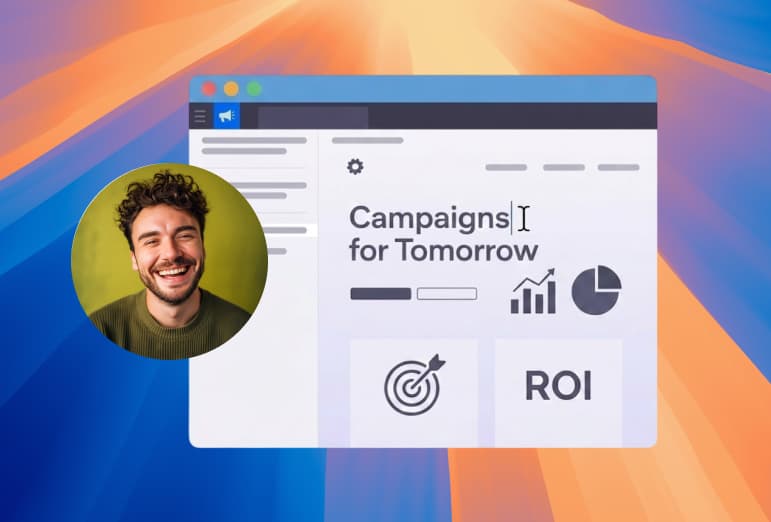
A feature launch lives or dies on how it looks in the first three seconds. Drishti gives marketing teams a way to record product demos and announcements that already look edited, then ship them to every channel without opening a video editor.
Every click looks intentional
Auto-zoom moves the frame to the part of the screen you are demoing, so a product tour reads as a deliberate story rather than a raw screen capture. Cursor effects and custom backgrounds add the polish that usually takes an editor an afternoon.
One recording, every channel
Pick 9:16 from the aspect menu in the editor toolbar for Reels, TikTok, and Shorts. In Inspector > Camera > Camera Layout, choose Split, Bubble or Presenter to frame your screen and camera. Plug in a DSLR or mirrorless camera and the presenter looks as sharp as the screen. Export the 16:9 version up to 4K with ProRes when you need the high-end cut for a landing page.
One recording, ready for
What you get
Frequently asked questions
Can I make my camera fill the screen at a certain point in the video?
Yes, with the camera cue track. Drop a Camera Only cue on the timeline and your camera fills the frame for that stretch, like a personal intro before the demo or a sign-off at the end. Other cues switch to the bubble, a side-by-side split, or the screen alone. There is no keyframing involved; you place the cues and it all happens after recording, with no re-take.
Can I make a vertical version for Reels, TikTok, or Shorts?
Yes. Pick 9:16 from the aspect menu in the editor toolbar, then choose Split, Bubble or Presenter in Inspector > Camera > Camera Layout. Split is the default, with 60% screen and 40% camera in separate bands and the camera at the top or bottom. Bubble keeps the whole screen in view with a camera bubble over it. Presenter automatically removes your background and places you along the bottom edge over the screen.
Will it work with my DSLR or mirrorless camera?
Yes. Drishti supports external cameras with zero lag, including the Sony ZV-1, ZV-E10, A6400, and A7S III, Canon EOS M50 Mark II and EOS R50, Fujifilm X-S10, and Nikon Z30, so the presenter looks as polished as the screen.
What is the highest export quality?
You can export up to 4K at 60fps in H.264, HEVC, or ProRes 422. ProRes is there when you need a high-end cut for a landing page or paid placement.
Do I need a separate video editor for the polish?
No. Auto-zoom, cursor effects, and custom backgrounds are built in, so a product tour looks edited without an afternoon in a timeline. Trim and cut are available in-app if you want to tighten the final clip.
Try it on your next recording
Free to record and edit. Pay only when you export. Video export plans cost $9/month, $59/year, or $99 one-time for Lifetime.
Get Drishti Studio